

Managingyour3Dfilesjustgoteasier
Modulus combines file browsing, asset creation, and project management into one desktop app so you can spend less time organizing and more time creating.
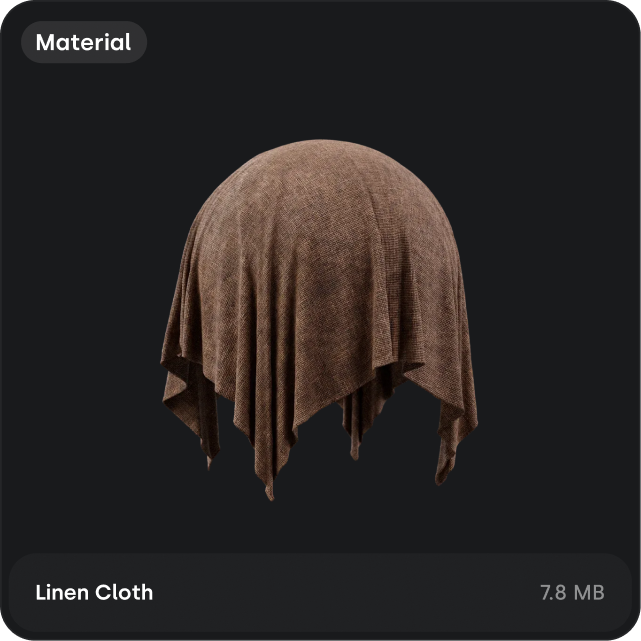
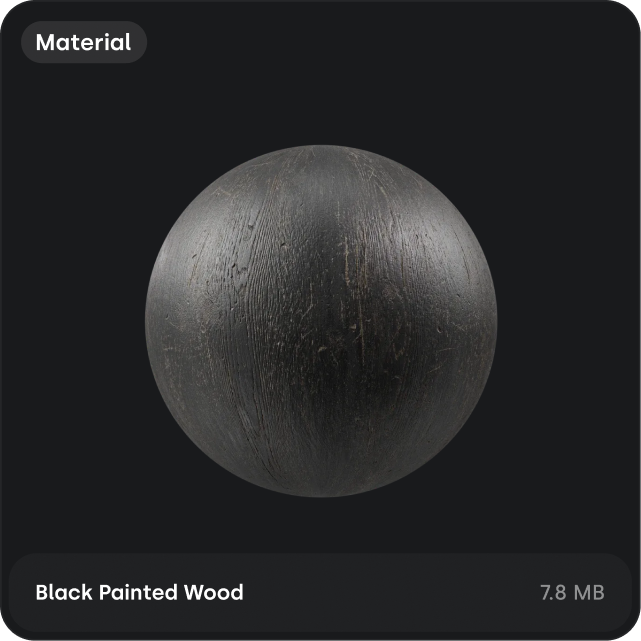

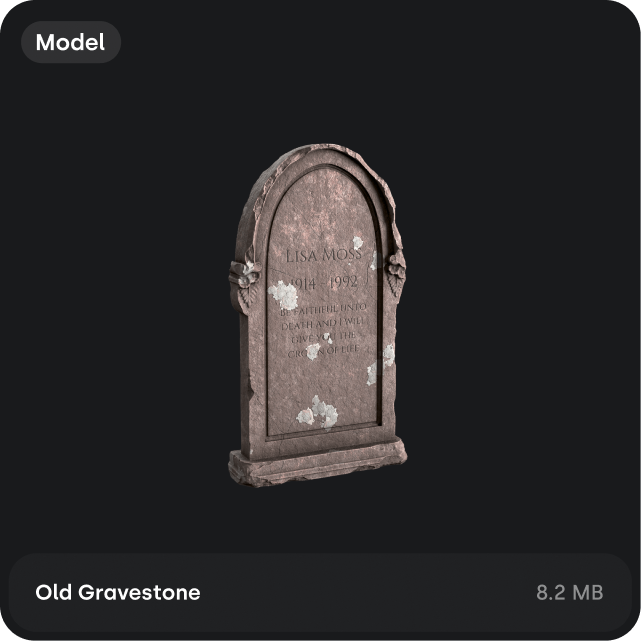

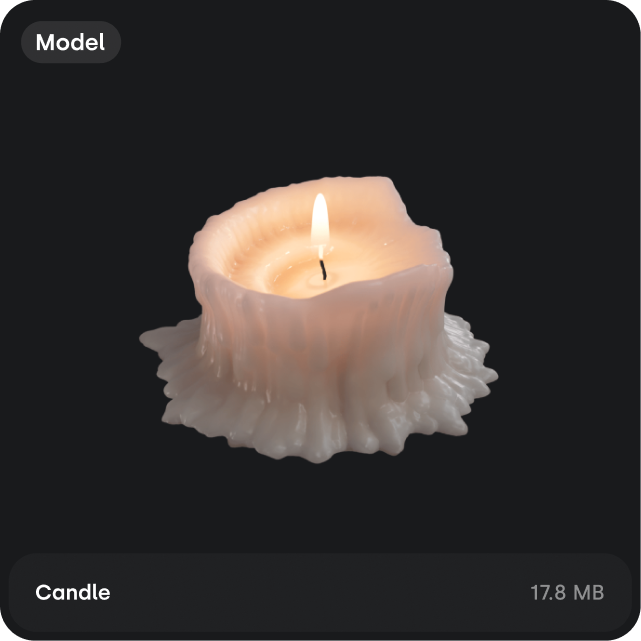
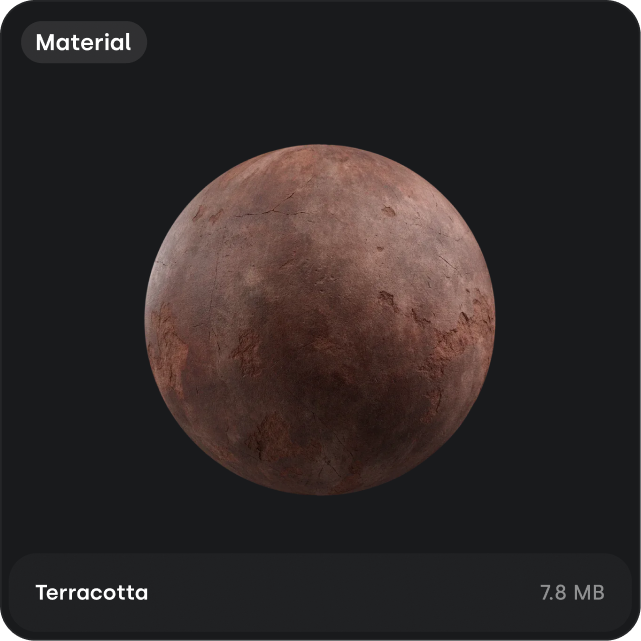
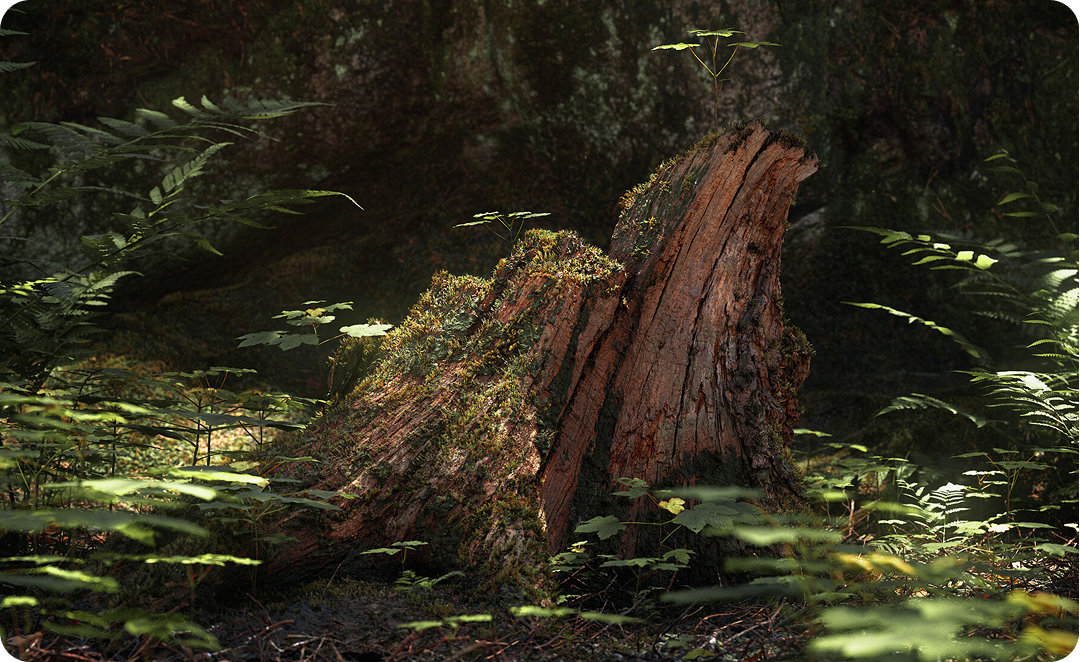
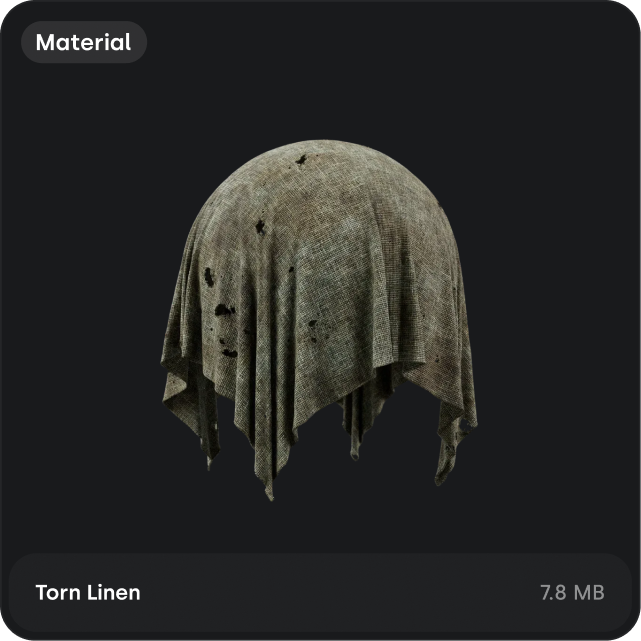
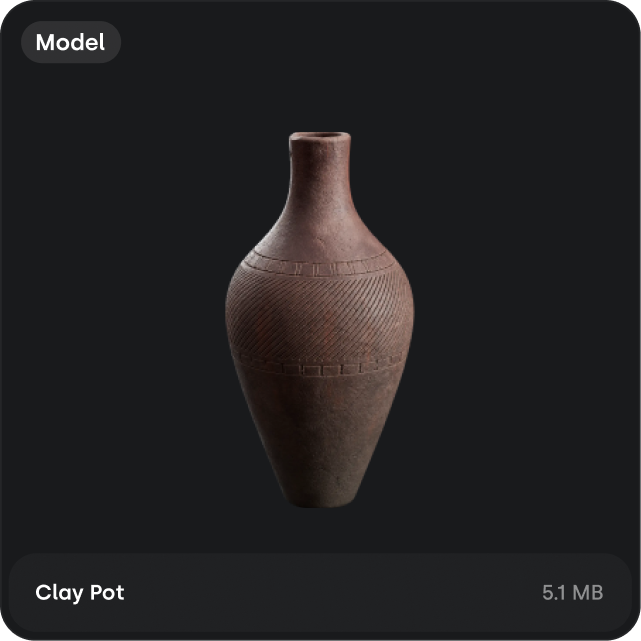

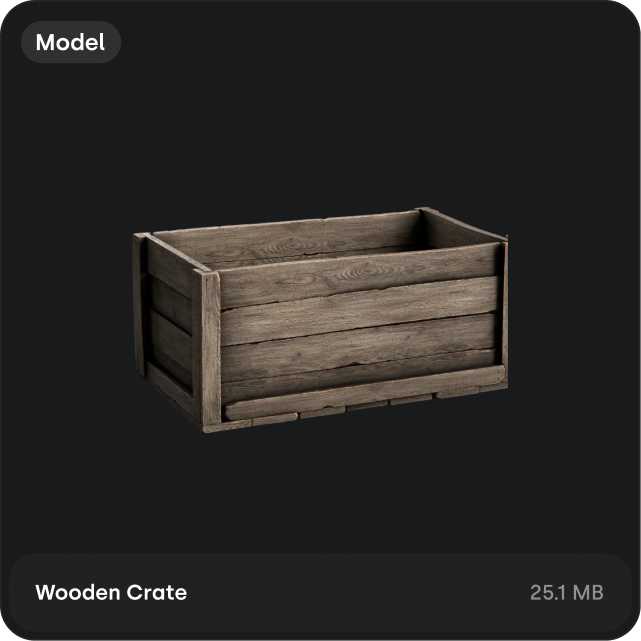
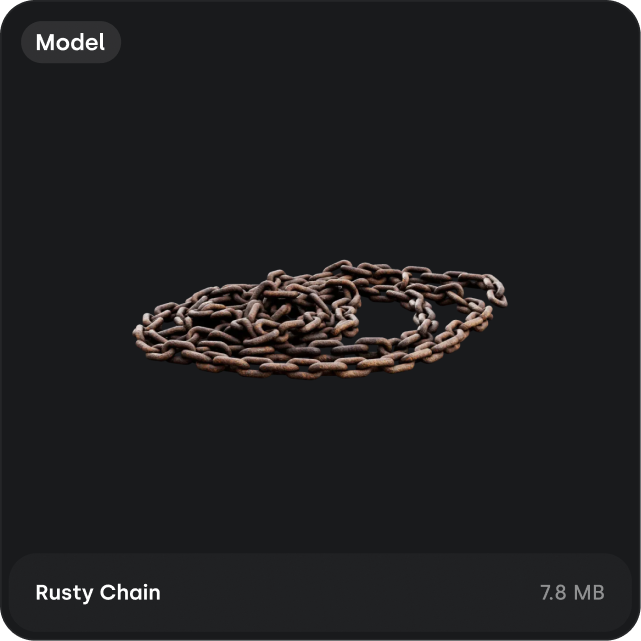
Modulusenhancesyourworkflowsbygivingyouadedicated space for all of your 3D files.dedicated space for all of your 3D files.Manageyourfiles,createreusableassets,referenceboards,anddocumentyourprojects,allinoneplace.
Allofyour3Dfiles,inoneplace
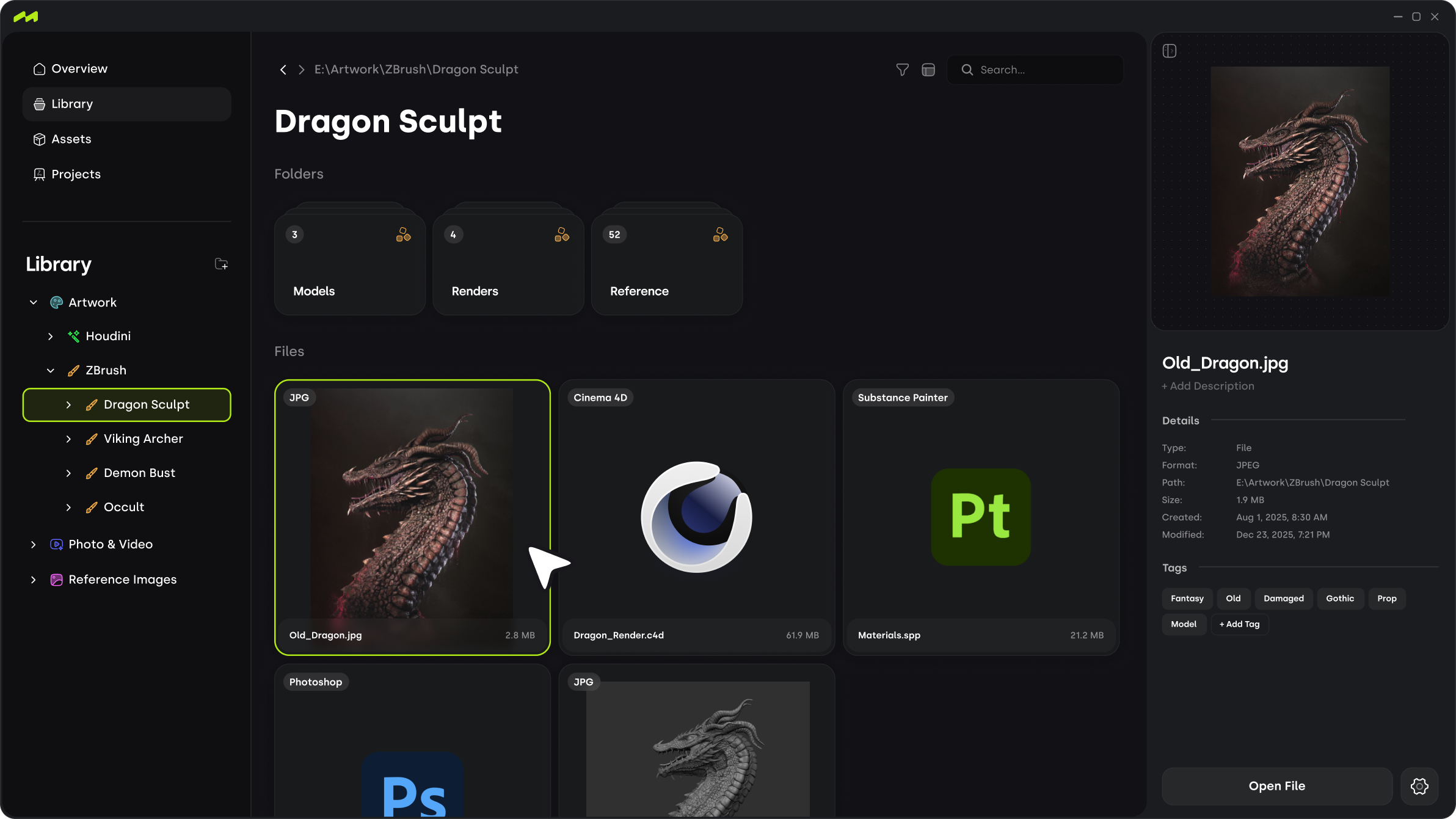
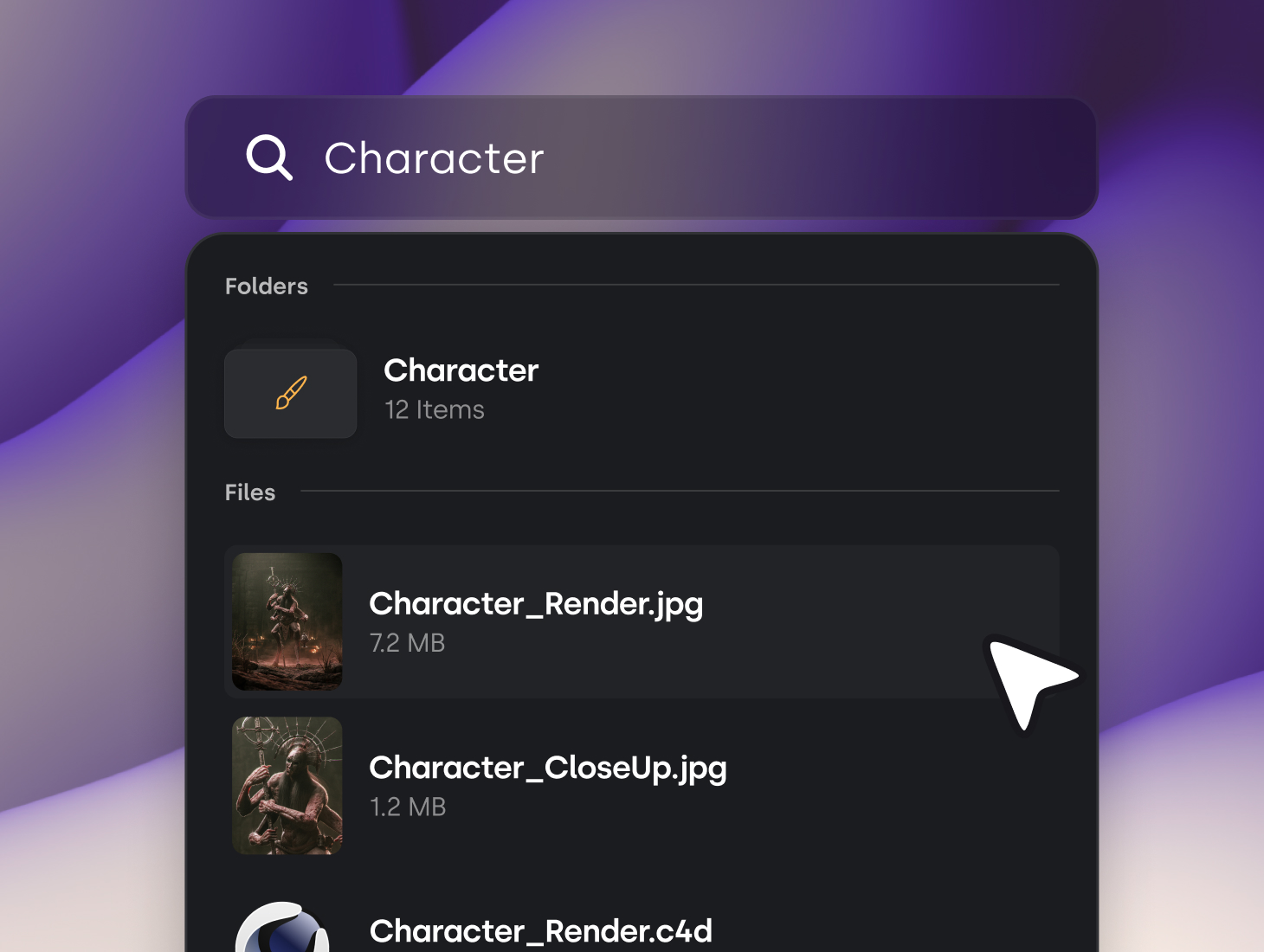
Import your existing folders and browse everything visually, with fast search, automatic thumbnails, and real-time sync.
Compatible with all formats
Any file format can be imported and organized within Modulus.
































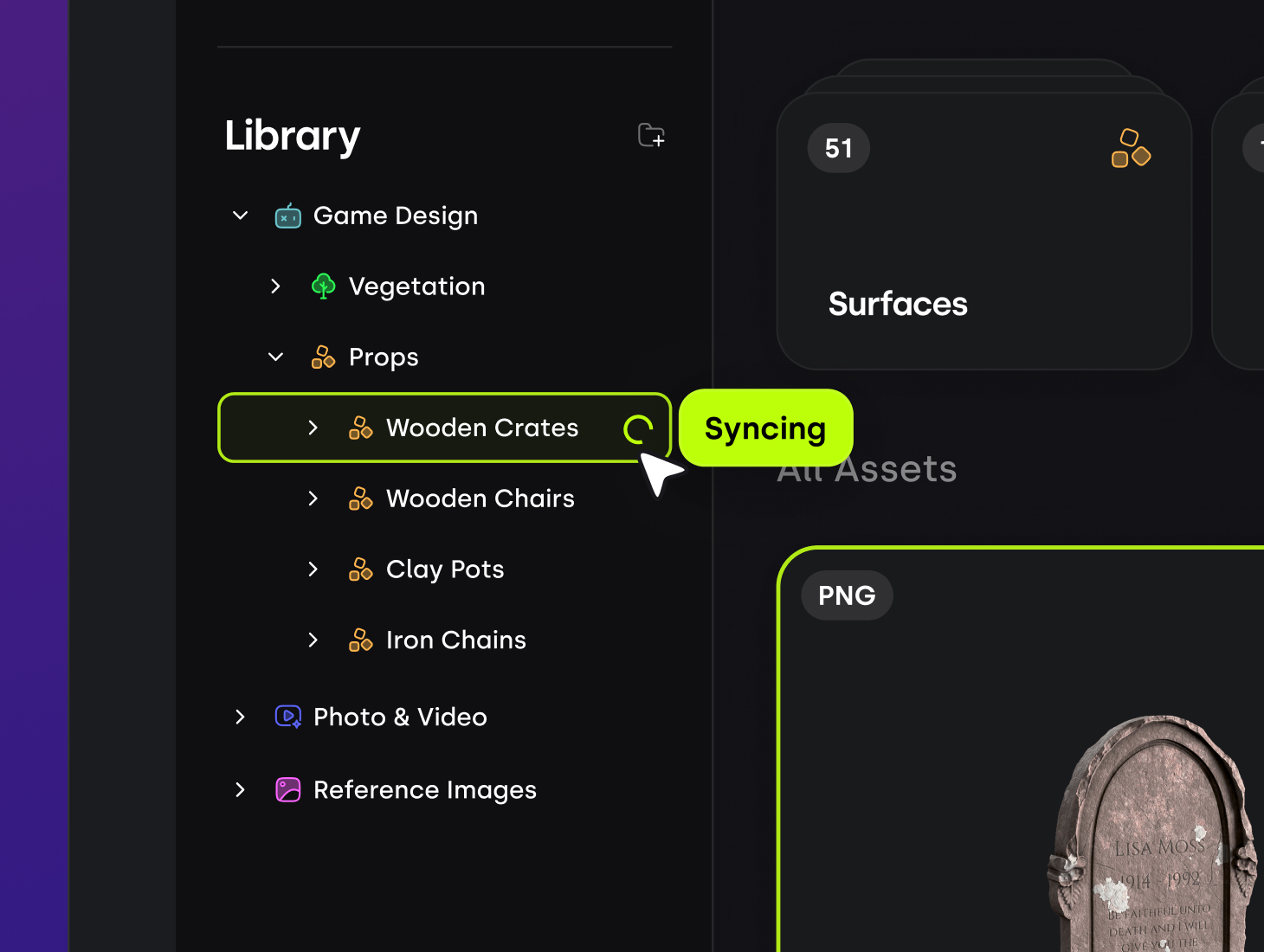
Folder & File Sync
Your library mirrors your local folders and stays in sync automatically as things change.
Annotations
Instant Search
Tagging
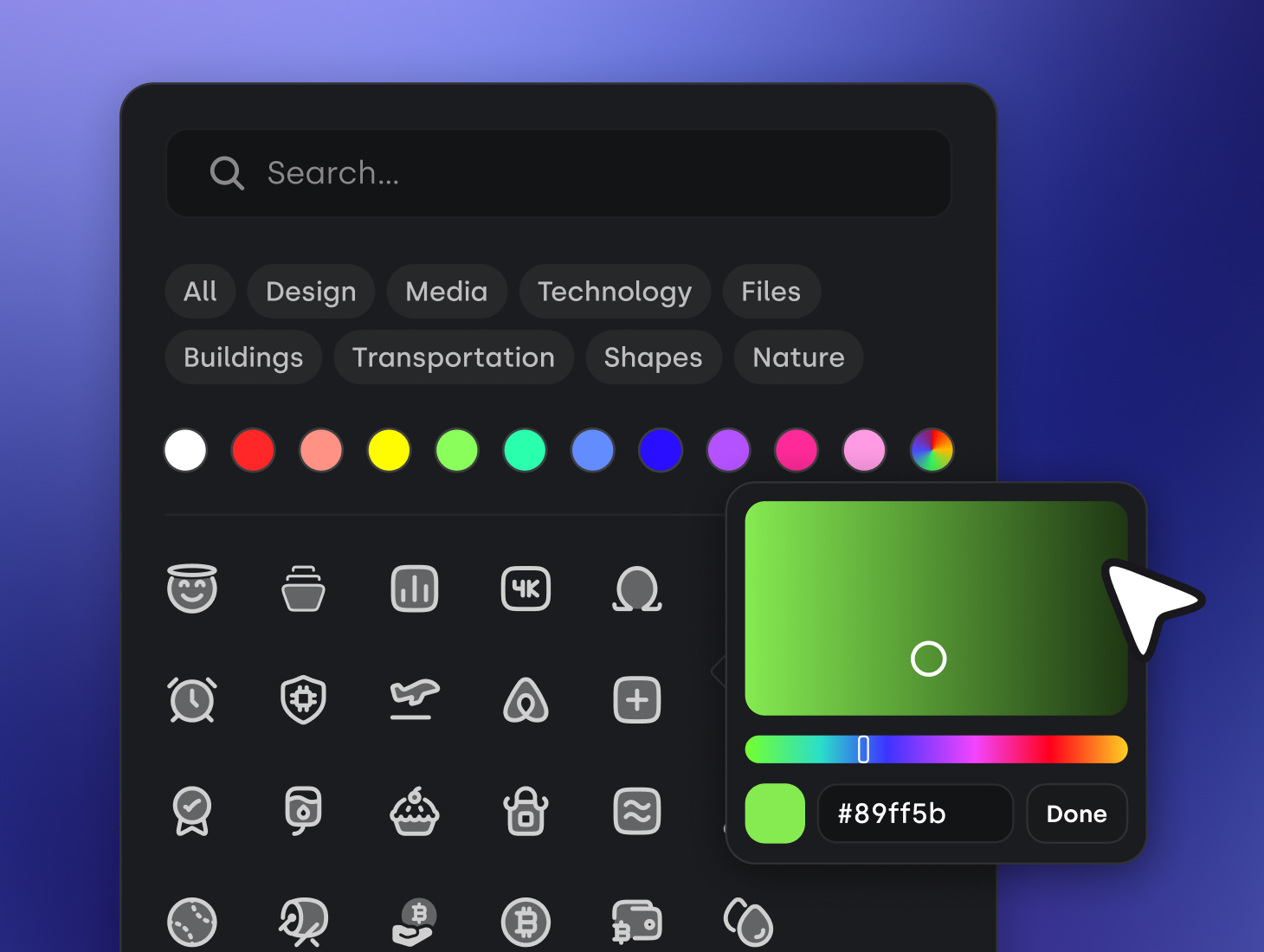
Custom Icons
Folder & File Sync
Your library mirrors your local folders and stays in sync automatically as things change.
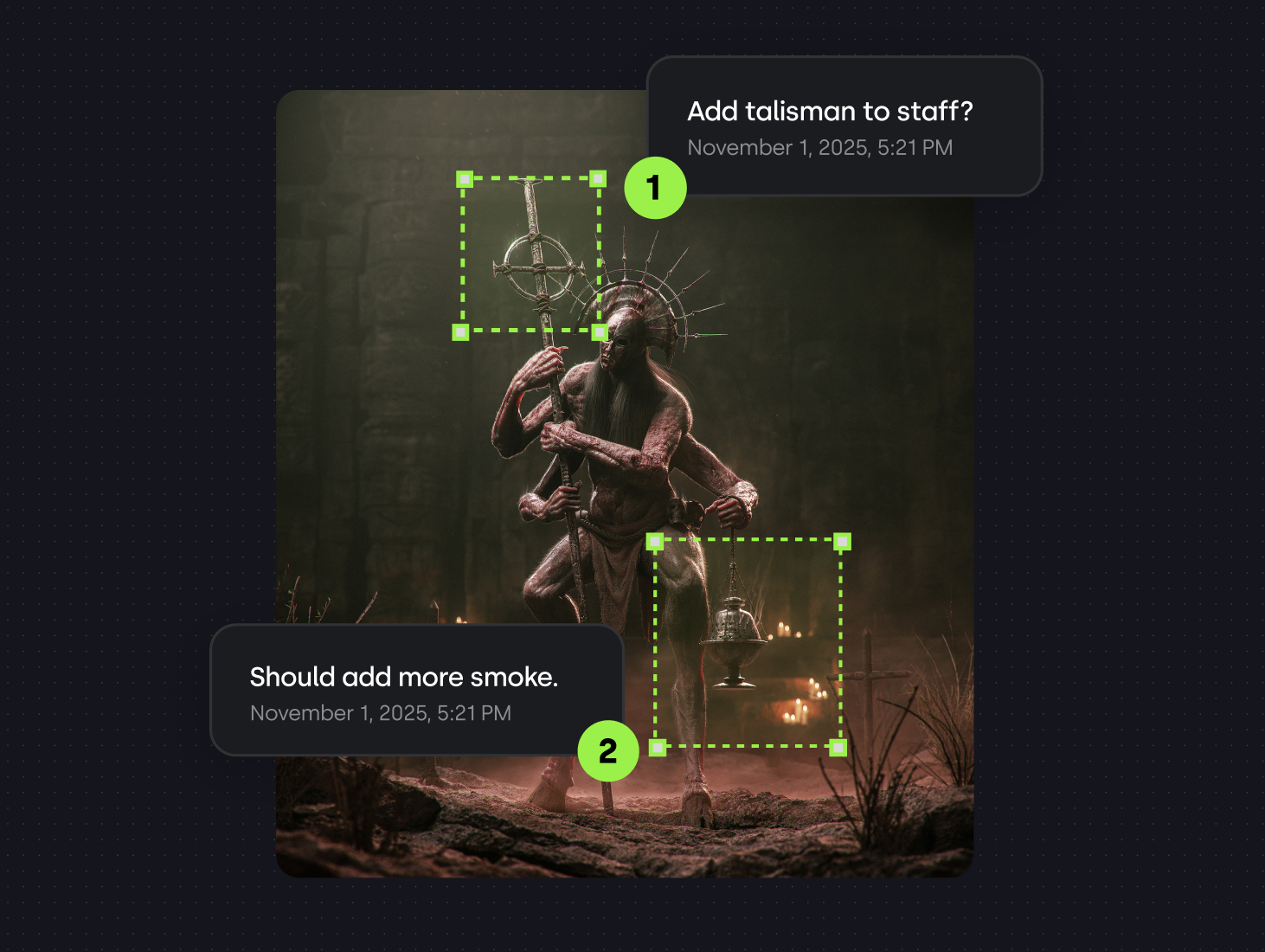
Annotations
Add notes and annotations directly to your assets for better organization and collaboration.
Instant Search
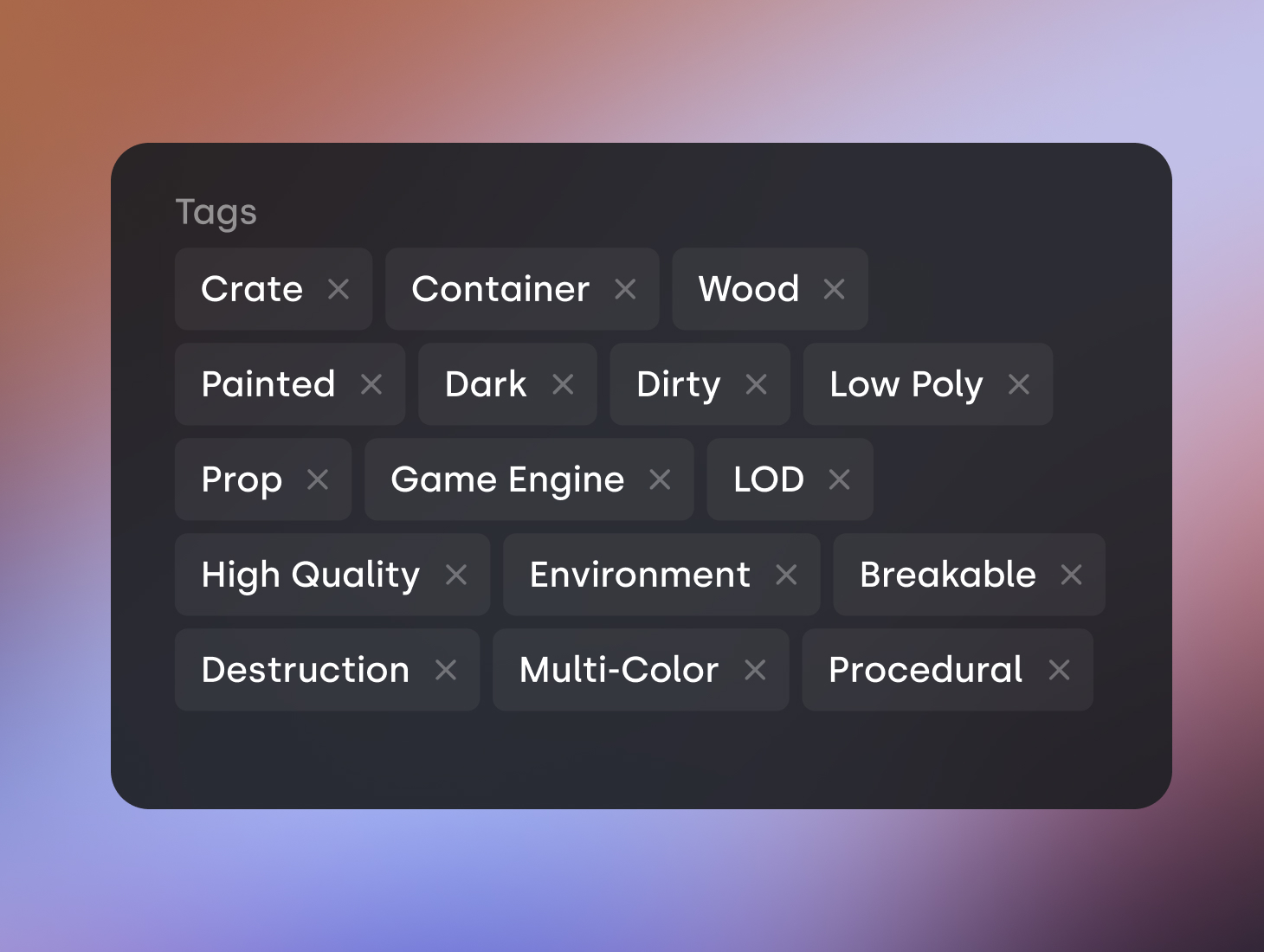
Tagging
Custom Icons
Turnyourfilesintoreusableassets
Use your existing files to build reusable assets that can be exported to your favorite applications.
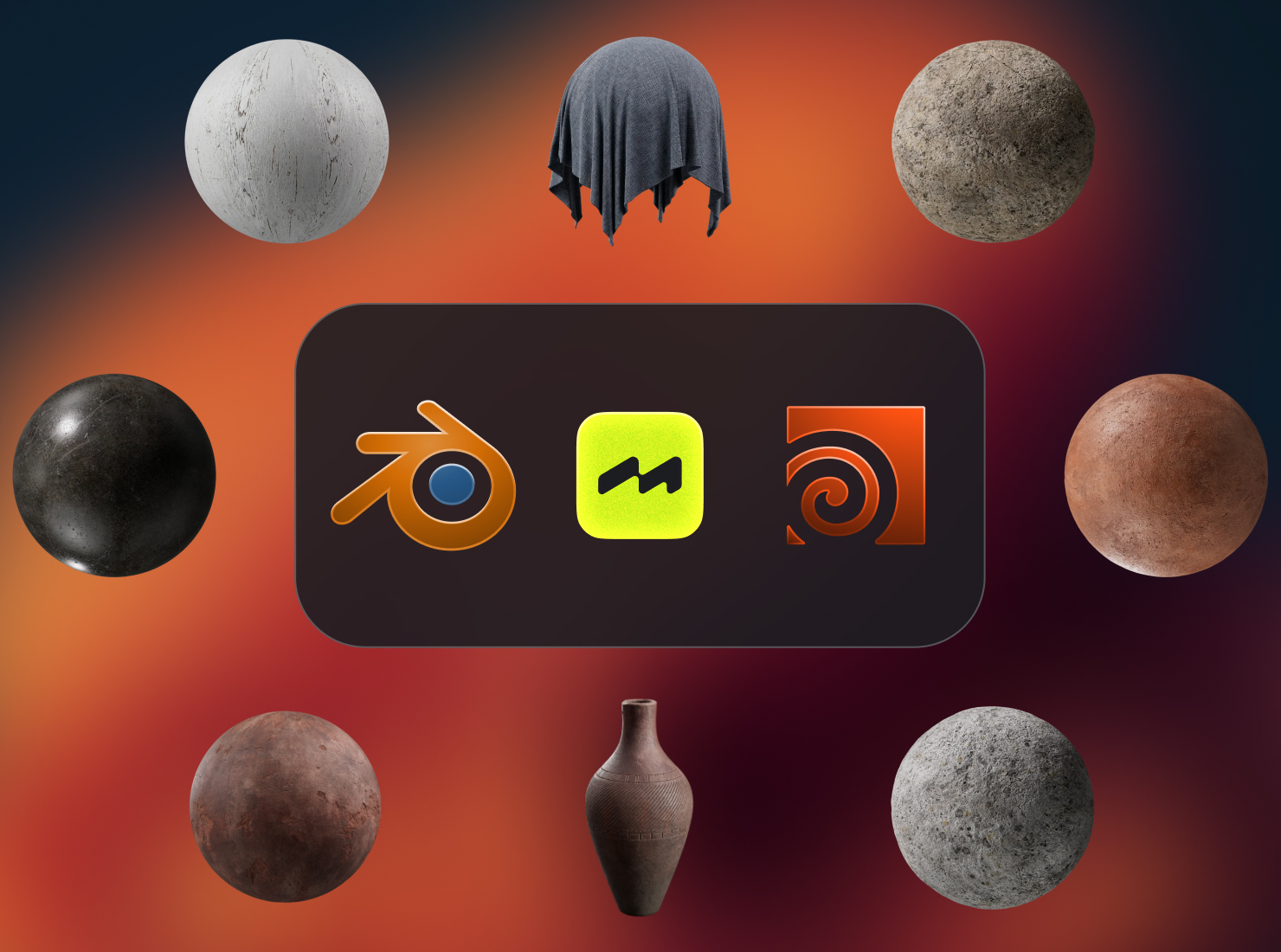
Instantly export assets into your favorite tools
Modulus integrates directly into your favorite apps such as Blender to speed up your workflows.
3D Asset Viewer
Custom Organization
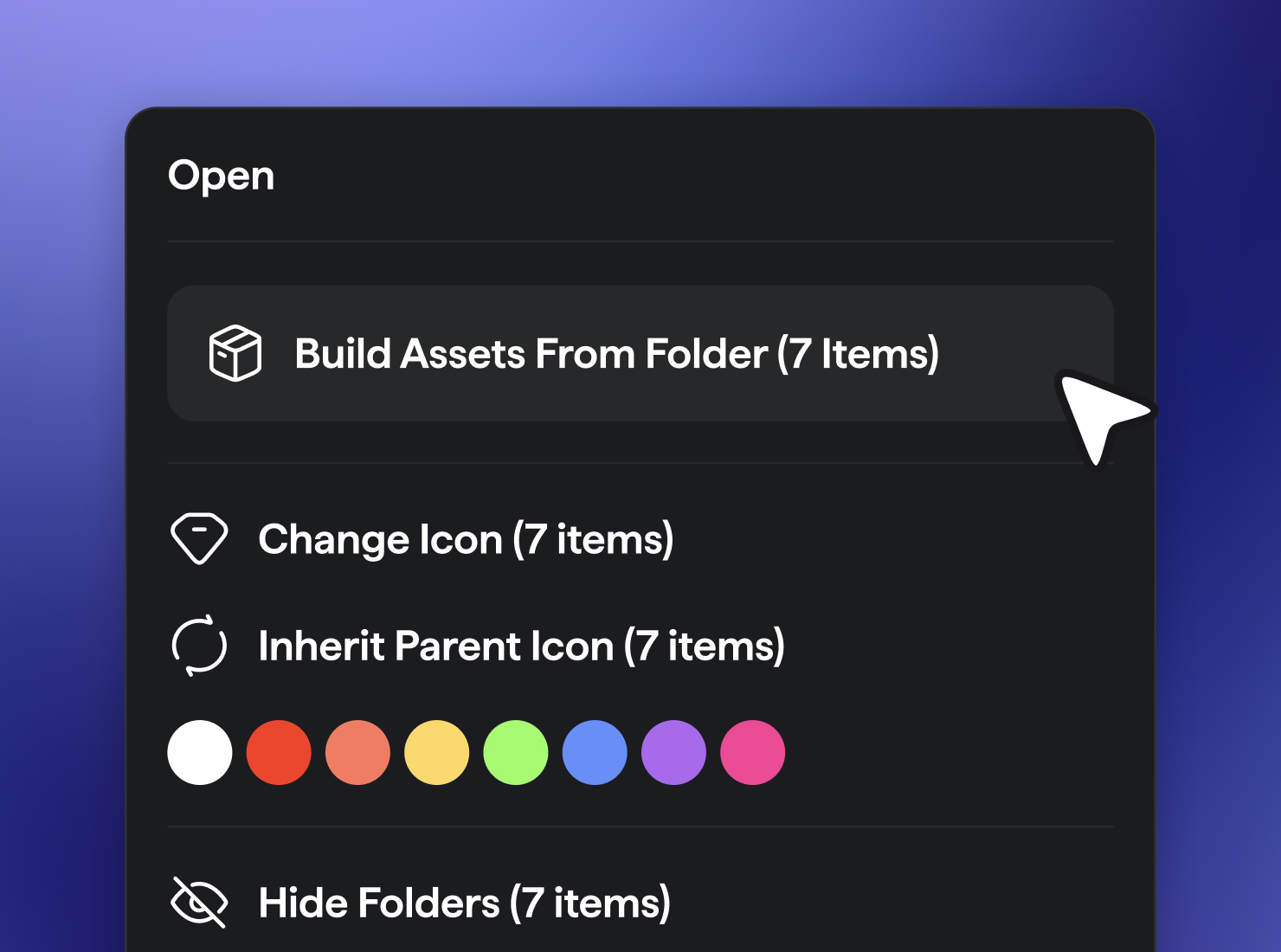
Bulk Asset Creation
Package & Export
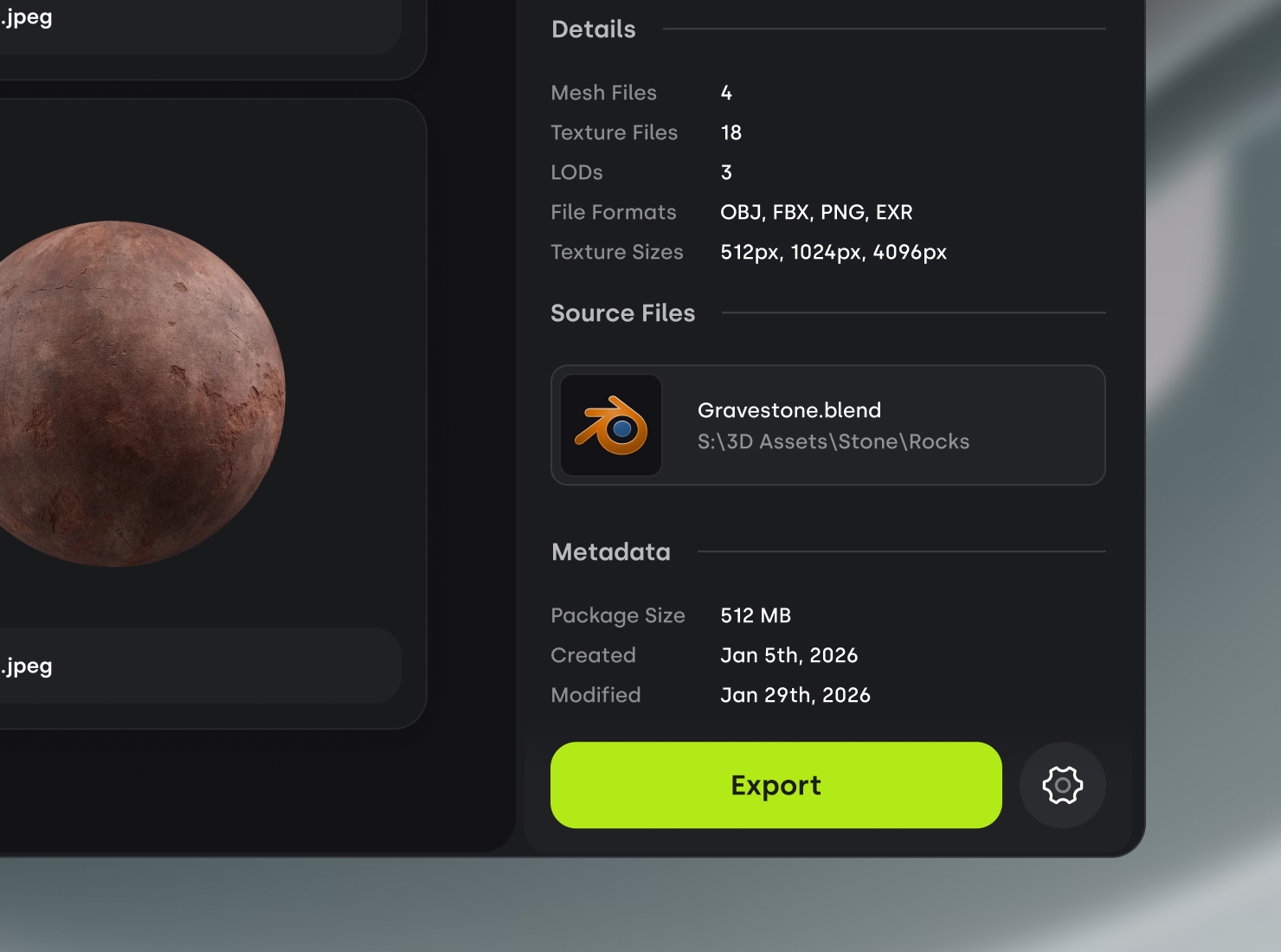
Instantly export assets into your favorite tools
Modulus integrates directly into your favorite apps such as Blender to speed up your workflows.
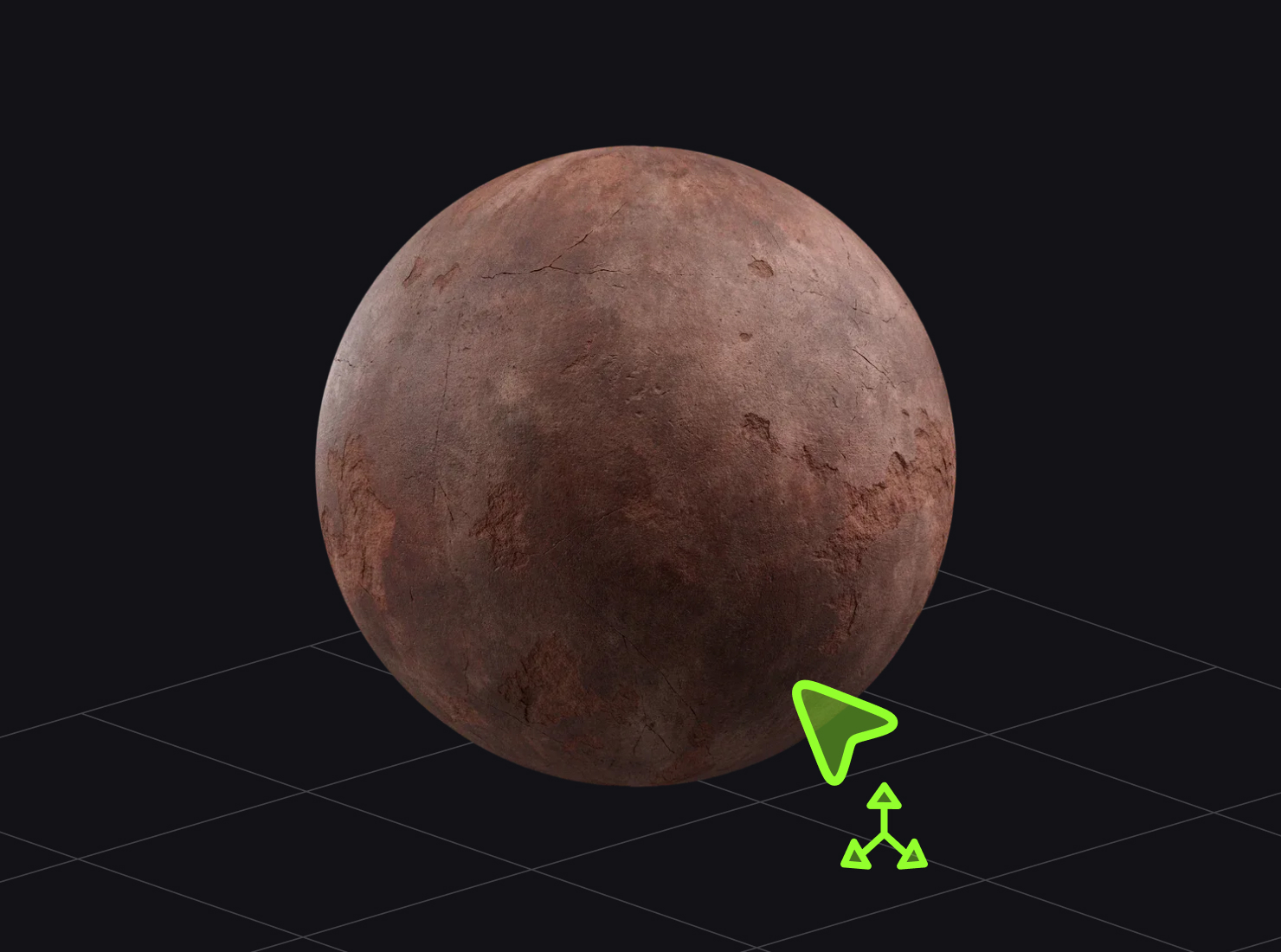
3D Asset Viewer
Quickly preview your assets directly in the app. View LOD's, texture maps, and lighting styles.
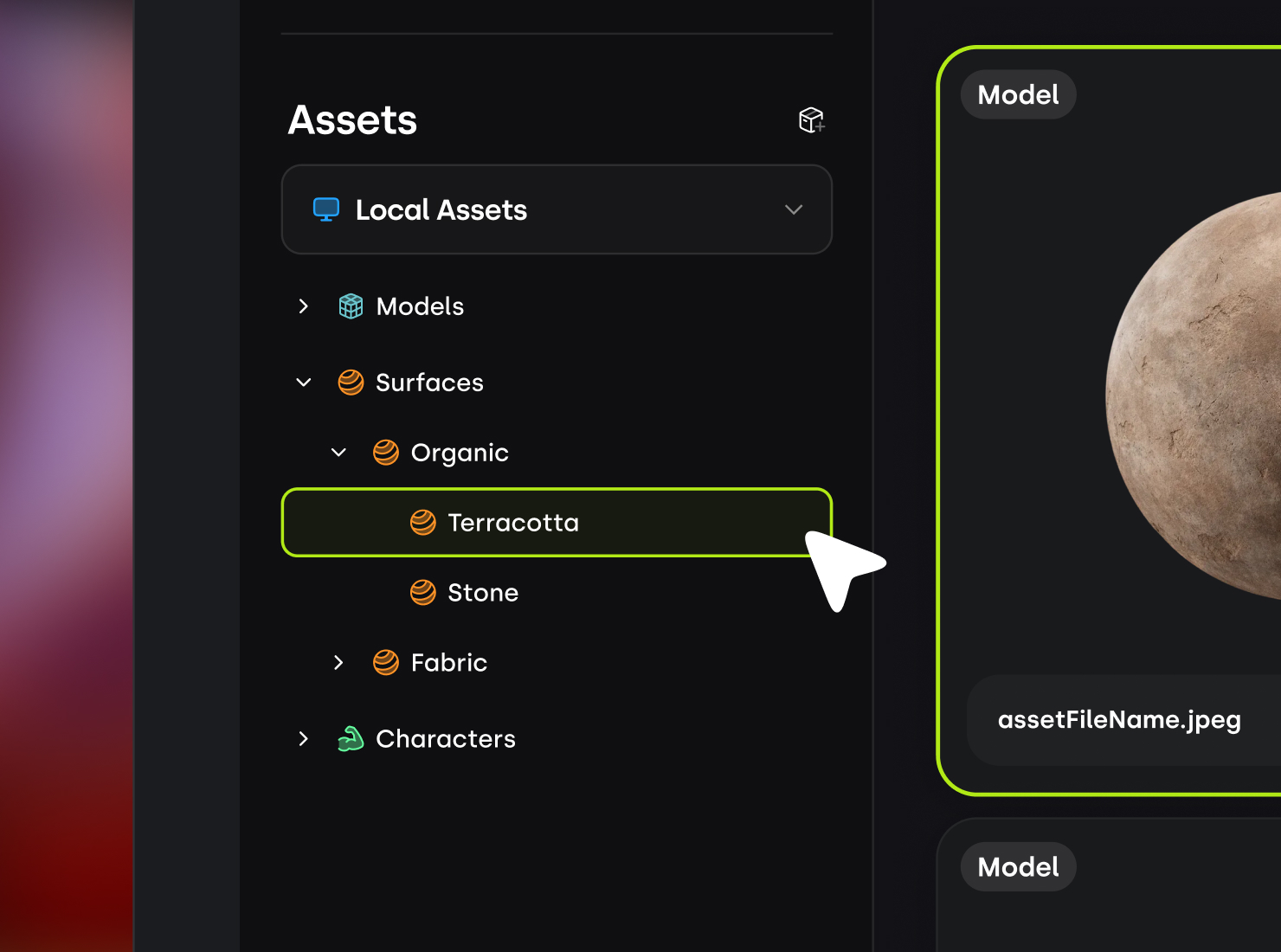
Custom Organization
Bulk Asset Creation
Package & Export
Organizeyourworkwithprojects
Use projects to create dedicated spaces for each of your tasks. Create a single space for your files, documentation, and references.
Keep your files organized and easy to access using Projects. Projects are dedicated spaces that allow you to focus only on the files that matter.
Projects
Keep your files organized and easy to access using Projects. Projects are dedicated spaces that allow you to focus only on the files that matter.
Boards
Create mood and reference boards for your projects by simply dragging in images from the web or your local machine.
Pages
Use the built-in rich text editor to organize your thoughts, brainstorm ideas, or create documentation related to your projects.
Evenmorewaystoenhanceyourworkflow
Built for Massive Libraries
Import libraries with 100,000+ files and folders.
Texture Map Visualizations
Inspect your texture maps in realtime using the 3D asset viewer.
Layout & Filter Options
Customize your browsing experience with tailored layout and filter options.
Quick Hide
Clean up your workspace by hiding unused folders.
Visual Browsing Experience
Thumbnails are automatically generated for assets and files for a rich browsing experience.
FrequentlyAskedQuestions
When will Modulus launch?
Modulus is currently in closed beta and we’re targeting a public beta later this year. Join the waitlist to receive updates and be considered for early access.
Will Modulus be free to use?
Modulus will be a one-time purchase and will include a 30-day unrestricted free trial. During open beta, we plan to offer an early access discount.
What happens to my files when they are imported?
When you import files into Modulus, they remain on your computer and are referenced by the app. Your original files are never moved, copied, or modified.
Does Modulus use AI to scan my files or create assets?
No. Modulus does not use AI to scan or generate assets. All of your files are stored locally on your computer and are never uploaded to our servers.
Does Modulus integrate with other software?
Yes. Modulus currently supports integrations with Blender and Houdini, and we’ll be adding more integrations as the software evolves.
Does Modulus work on Mac?
Modulus is currently only available on Windows. Mac support is something we’re exploring based on demand. Join the waitlist to let us know you’re interested.